iPad Screen Cracked Or Black? Glass Vs. LCD Repair Explained
Not every broken iPad screen is the same repair. Here's how to tell what yours needs.
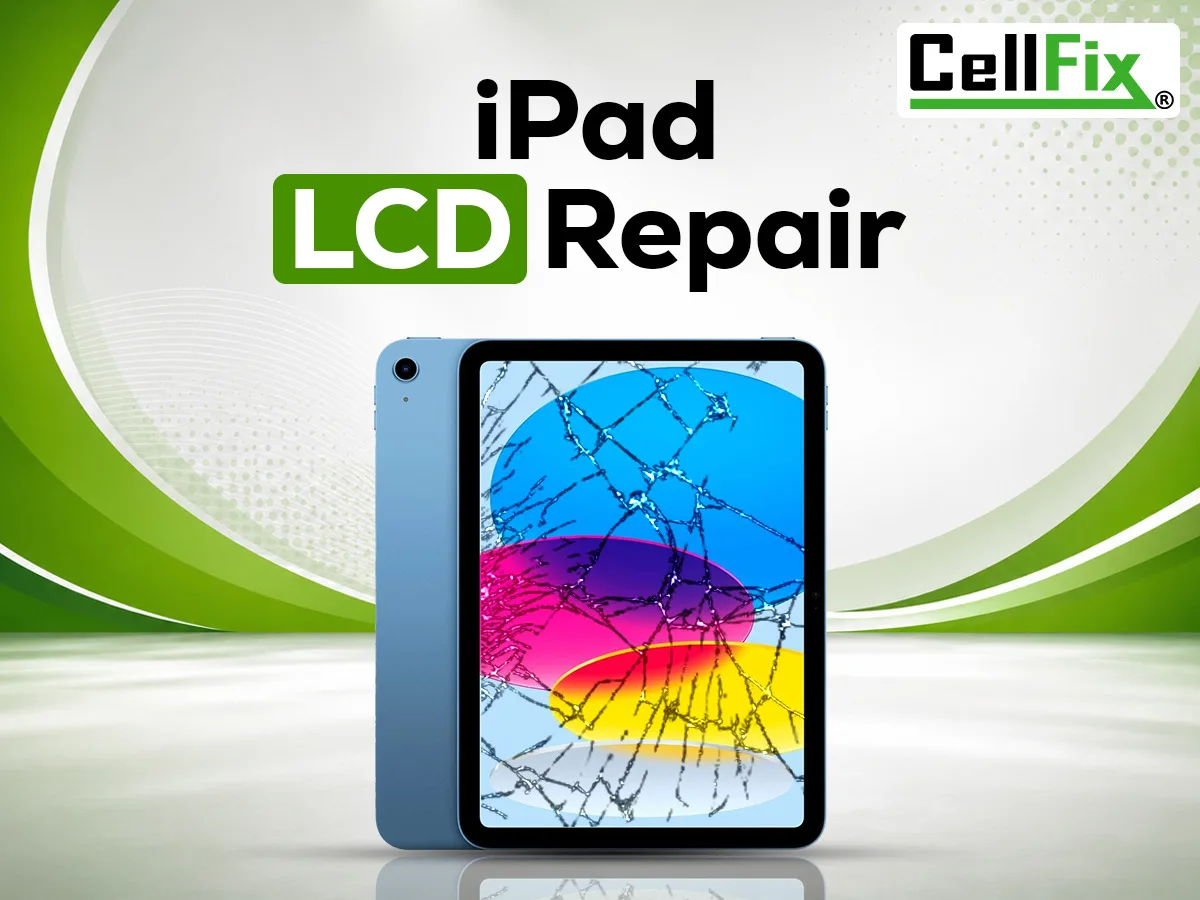
iPads get dropped, sat on and stepped on, and the damage looks different every time. The key thing to know: on most iPads the glass digitizer (what you touch) and the LCD (what you see) are separate parts, and which one is damaged decides the repair.
Cracked glass, but the picture is fine
You can see everything clearly, touch usually still works, but the glass is spider-webbed. That's the digitizer. It's the most common iPad damage and the more affordable fix, because the display underneath is reused. Keep using a badly cracked iPad and you risk cutting a finger or letting dust and moisture reach the LCD — so it's worth doing sooner rather than later.
Black spots, lines, flickering, or a dark screen
If the iPad shows a bleeding black blotch, vertical or horizontal lines, a flicker, or it powers on (you hear sounds, it shows up in Finder or iTunes) but the display stays dark — that's the LCD. The glass may not even be cracked. LCD damage doesn't heal and usually spreads, so the display needs to be replaced.
Touch doesn't work but the screen looks perfect
Dead zones, ghost touches or no response at all with an intact picture point to a digitizer problem or a loose connection, not the LCD. Restart the iPad first; if it persists, it's a repair.
Which iPads we repair
iPad, iPad Mini, iPad Air and iPad Pro across generations, plus Samsung Galaxy Tab and other Android tablets. On newer iPad Pro and Air models the glass and LCD are one fused unit, so the whole assembly gets replaced; we'll tell you which type you have when you check in. We also fix iPad charging ports, batteries and water damage.
What to expect at CellFix
Bring the iPad to either Tampa store — 1505 E Fowler Ave near USF or 4810 E Busch Blvd — or send an instant quote with the model and what happened. Many tablet screen repairs are finished the same day; larger LCD jobs can take longer depending on parts, and we'll give you a realistic time before starting. Every repair is backed by a 30-day warranty. If you're weighing repair against replacement, we'll also give you a straight answer on whether the iPad is worth fixing.
Related service: iPad Repair In Tampa