Submit an instant quoteGet $10 off your repairSubmit an instant quoteGet $10 off your repairSubmit an instant quoteGet $10 off your repairSubmit an instant quoteGet $10 off your repairSubmit an instant quoteGet $10 off your repairSubmit an instant quoteGet $10 off your repair
Home Repairs Get Instant Quote Shop Phones Sell My Device Financing Protection Plan Wireless Plans Home Internet Why CellFix Warranty FAQs Blog About Us Contact
Instant Repair Quote
$10 off when you submit
HomeRepairsWater Damage Repair
Water Damage Repair · Tampa

Water Damage Phone Repair In Tampa — $45 Diagnostic

Dropped it in the pool, the sink, or the Gulf? Power it off, skip the rice, and bring it in fast. Our $45 water damage diagnostic includes a full open-up, ultrasonic cleaning and a firm quote before any further repair.
$45 diagnosticUltrasonic corrosion cleaningQuote before any repairWalk-ins welcome
Fowler (813) 605-5004 Busch (813) 605-3060
Water damage repair at CellFix Tampa

What we work on

iPhone, Samsung, Google Pixel, Motorola, iPad and Android tablets, MacBooks and laptops, and game consoles.

Where

Two Tampa locations: 1505 E Fowler Ave near USF and 4810 E Busch Blvd Suite A. Walk-ins welcome.

Phone Got Wet?

How To Fix A Water-Damaged Phone: What To Do Right Now

1

Get it out and power it off

Water alone doesn't kill a phone. Electricity moving through wet circuits does. Shut it down and don't tap the screen to see if it still works.

2

Strip it and dry the outside

Case off, SIM tray out. Wipe it and tilt it so water runs out of the port and speakers. Seal it in a bag with silica gel packets. Skip the rice: it doesn't work, and the dust gets into the ports.

3

Don't charge it. Bring it in fast.

Liquid starts corroding the board within hours and keeps spreading until someone cleans it out. The sooner it's on our bench, the better the odds for the phone and your photos.

Full guide: Phone Fell In Water? Do These 4 Things Immediately. Charging port acting up after a spill? See charging port repair.

What We Fix

Common Problems We Repair

Won't turn on after getting wet

Liquid shorts and corrosion. The sooner it's opened and cleaned, the better the odds.

Turns on but acts up

Ghost touches, no sound, no charging, flickering — corrosion on connectors and the board.

Charging port corroded

Salt water and drinks are worst. The port and surrounding board are cleaned and, if needed, replaced.

Need the photos back

Data recovery is part of the conversation. We tell you what's recoverable after the diagnostic.

How It Works

Three Steps, No Surprises

1

Power off and bring it in

Don't charge it, don't put it in rice (silica gel packets help; rice doesn't). Get it to either Tampa store as soon as you can.

2

$45 diagnostic

We open the device, fully clean and dry it, run the board through an ultrasonic cleaner to remove corrosion, reassemble and test it.

3

Firm quote, then repair

We tell you exactly what, if anything, still needs replacing and give you a final quote before doing any further work.

Related Repairs

You Might Also Need

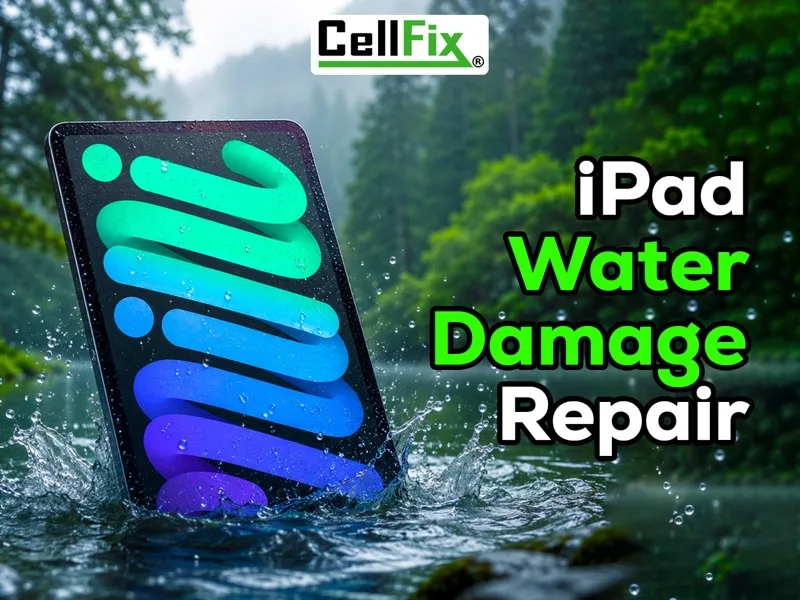
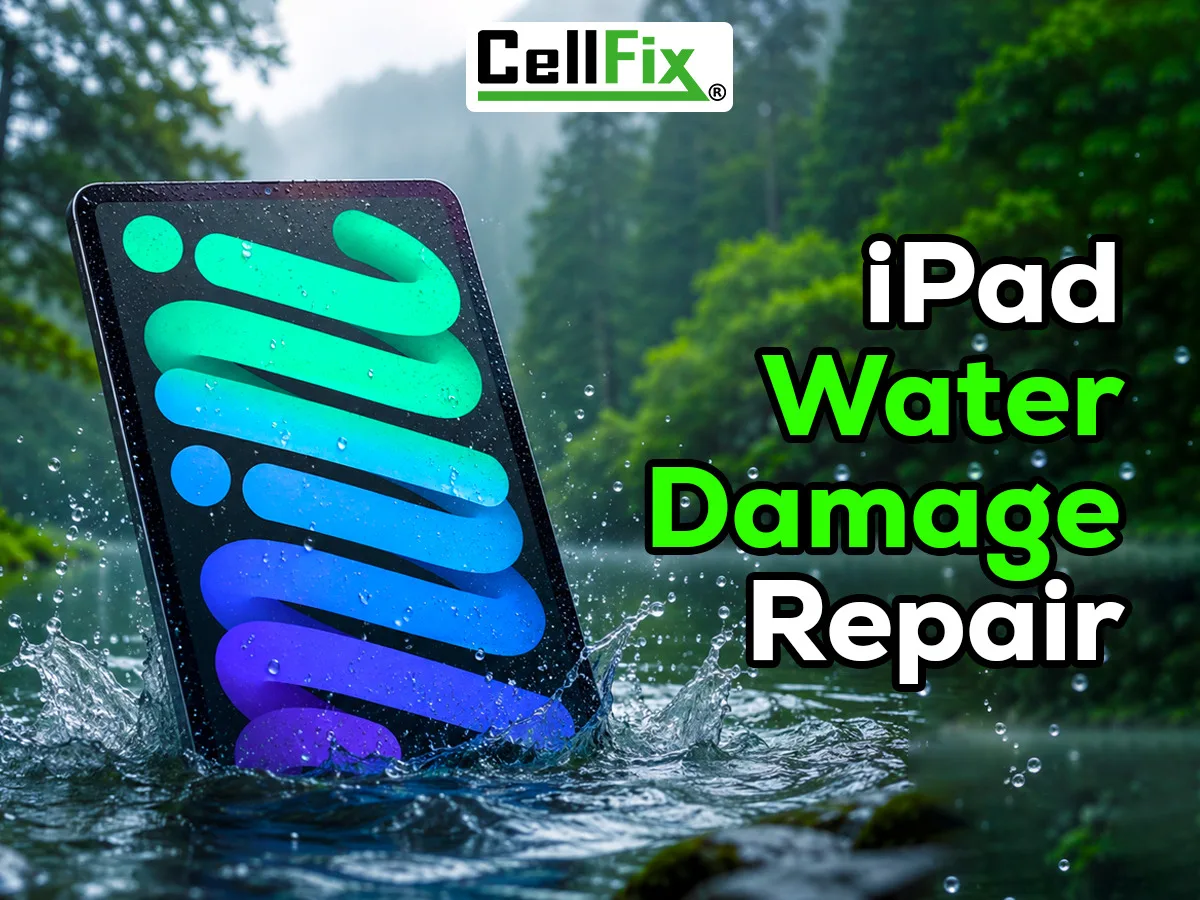
iPad Water Damage Repair in Tampa at CellFix
iPad Water Damage Repair
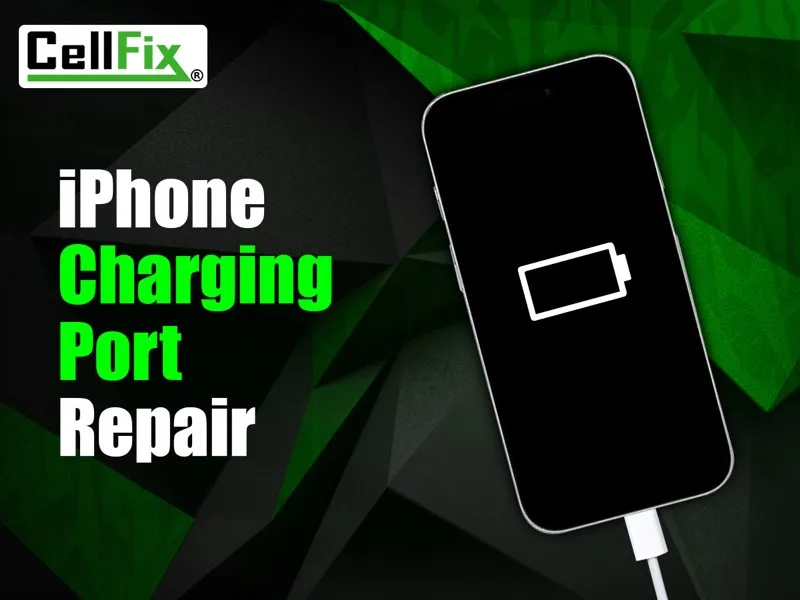
iPhone Charging Port Repair in Tampa at CellFix
iPhone Charging Port Repair
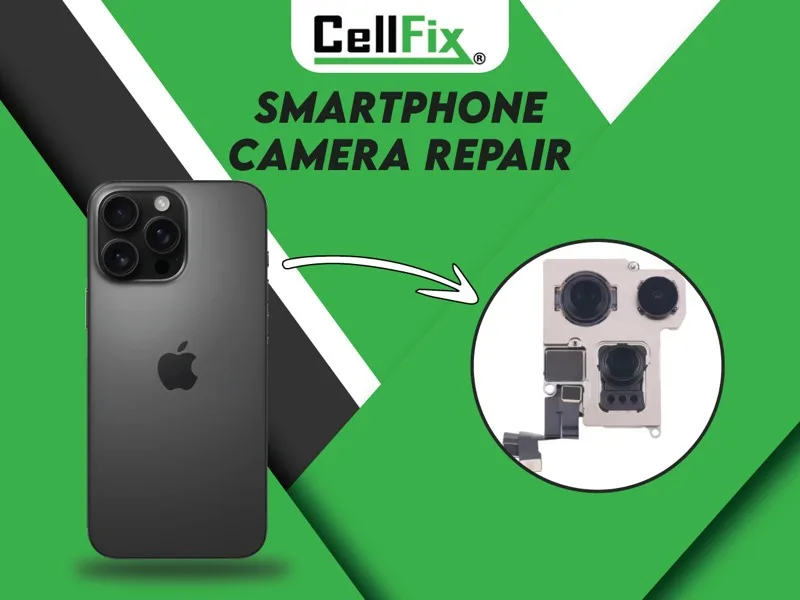
Phone Camera Repair in Tampa at CellFix
Phone Camera Repair
From The Blog

Related Reading

Questions

Water Damage Repair FAQs

How much does water damage repair cost?
The diagnostic is $45 and covers the open-up, ultrasonic cleaning, drying and testing. If parts need replacing, we quote that separately and you decide before we go further.
Does rice work?
No. Rice doesn't pull moisture out of a sealed phone, and starch dust can make things worse. Silica gel packets help a little; a proper open-up and cleaning is what actually works.
How fast do I need to bring it in?
As fast as you can. Corrosion starts within hours and gets worse every day the phone sits wet.
Can you save my photos?
Often. Even when a phone isn't worth repairing, the board can sometimes be revived long enough to get data off. Ask at check-in.
Can I fix water damage at home?
You can stop it from getting worse: power it off, take the case and SIM out, dry the outside and seal it with silica gel. What you can't do at home is clean the corrosion off the board. That takes opening the phone and an ultrasonic cleaner, which is what our $45 diagnostic does.
My phone works fine after getting wet. Should I still bring it in?
It's worth it. Liquid inside keeps corroding the board and connectors even when the phone seems fine, and problems like no charging, no sound or ghost touches can show up days later.
Do you fix water-damaged iPads, MacBooks and consoles?
Yes. The same diagnostic process works for iPhones, Samsung and other Android phones, iPads and tablets, MacBooks and laptops, and game consoles.
New Customer Offer

Get $10 Off Your Repair

Submit an instant quote and we'll take $10 off — auto-applied, no code to remember.

CELLFIX10  ·  auto-applied

Valid on qualifying repairs. One discount per device. Cannot be combined with other offers.