MacBook Battery Draining Fast? When To Replace It (And What It Involves)
A MacBook that can't leave the charger isn't old. It just needs a battery.
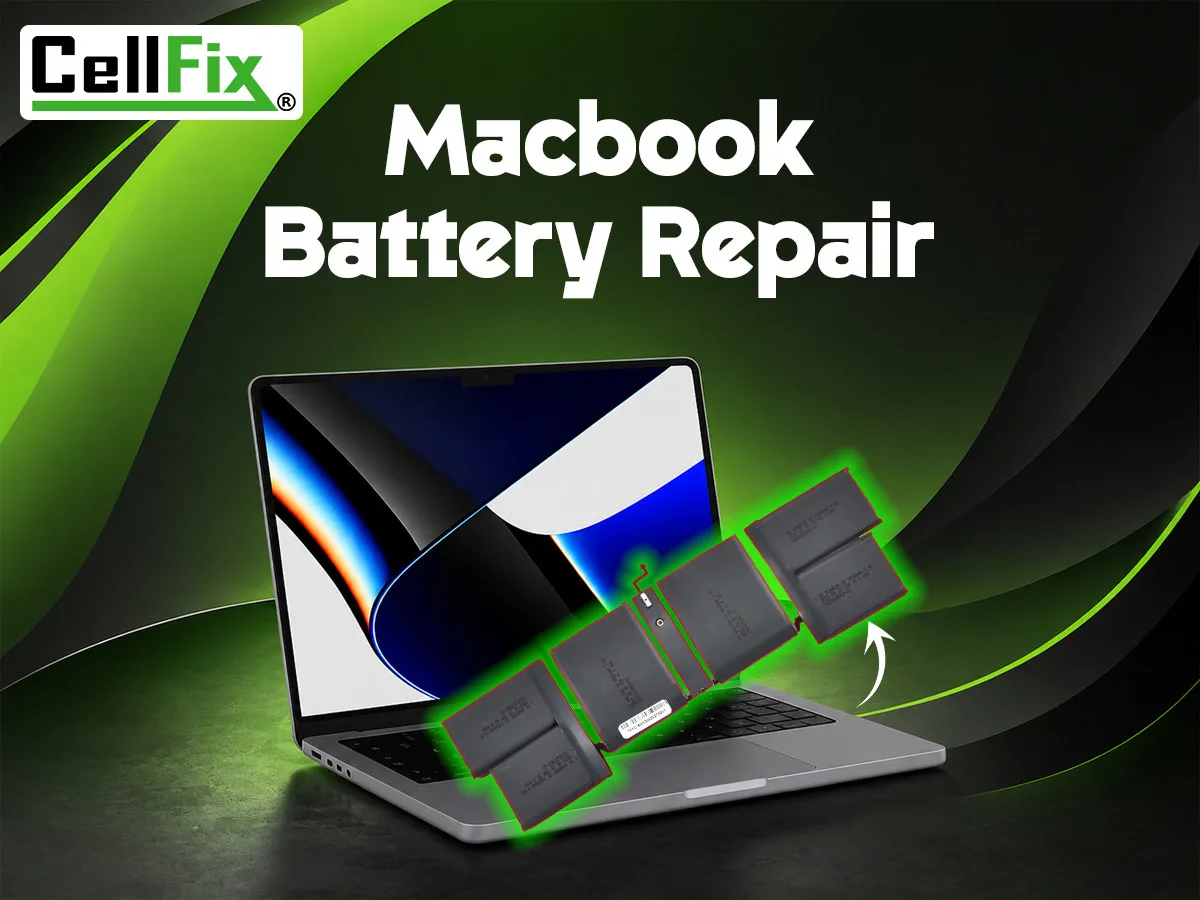
MacBook batteries are rated for about 1,000 charge cycles. Past that — and sometimes well before it — capacity drops, the machine shuts off under load, and macOS starts nagging you. A battery replacement brings back all-day use for a fraction of the cost of a new laptop. Here's how to know it's time.
Check the battery's own report first
Click the Apple menu → System Settings → Battery → Battery Health (on older macOS, hold Option and click the battery icon in the menu bar). You'll see one of three states: Normal, Service Recommended, or on very old machines, Replace Now. Anything other than Normal means the battery has fallen below about 80% of its original capacity. You can also open System Information → Power to see the cycle count and maximum capacity.
The signs that show up before the warning does
- It shuts down at 20–30%. The battery can't hold a steady voltage under load, so the Mac protects itself and powers off early.
- A full charge lasts an hour or two. If you used to get a workday and now you get a meeting, the capacity is gone.
- It only runs while plugged in. Unplug it and it dies instantly — the battery is effectively dead and the charger is doing all the work.
- The trackpad feels raised or the bottom case bulges. This is a swollen battery. Stop charging it and bring it in — a swelling battery pushes on the trackpad, keyboard and logic board and should be replaced promptly.
- It runs slow on battery but fine on power. macOS throttles a weak battery to avoid shutdowns.
What a MacBook battery replacement involves
Unlike a phone, a MacBook battery is glued into the bottom case, so the job takes real bench time: open the case, disconnect and remove the old cells with the adhesive, install a quality replacement, reseal, then calibrate and test. At CellFix, MacBook and laptop repairs generally take 24–48 hours depending on whether the exact battery for your model is in stock. We test your battery's health first and tell you whether a replacement is actually what you need.
Which MacBooks we service
MacBook Air and MacBook Pro, Intel and Apple Silicon (M1, M2, M3 and newer), at both Tampa stores — 1505 E Fowler Ave near USF and 4810 E Busch Blvd. Batteries we install carry a 90-day warranty. If your MacBook also has a cracked screen, a loose charging port or a sticky keyboard, we can handle those in the same visit.
Related service: MacBook Repair In Tampa