Blurry Or Black Phone Camera? What's Broken And What It Takes To Fix
The camera's the part you use a hundred times a day. Here's what goes wrong with it.
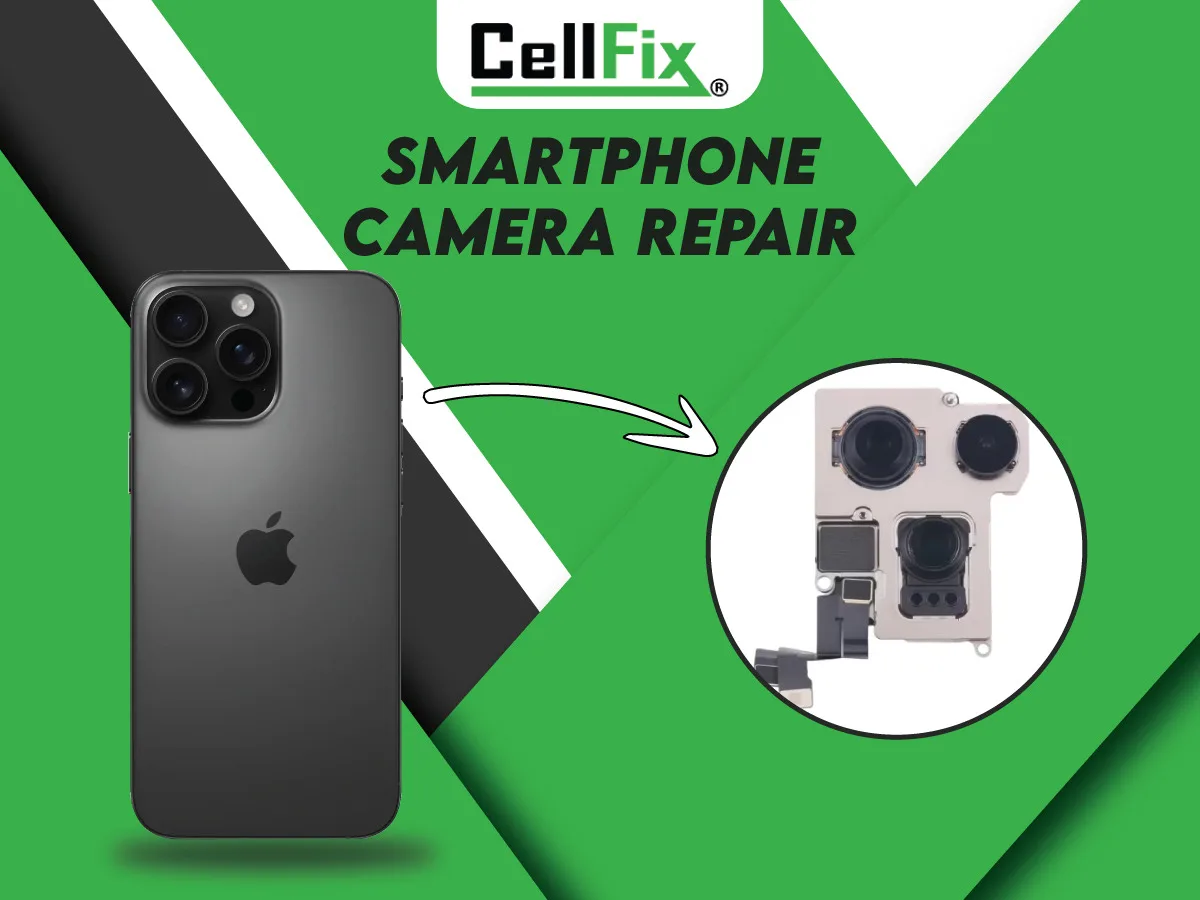
A phone camera is a stack of parts — the outer lens glass, the camera module with its own tiny lens and focus motor, the image sensor, and the software driving it all. Each one fails differently, and the symptom tells you which one it is.
Cracked or scratched lens glass
Photos have a haze, a glare streak, or a blurry patch in the same spot every time, and you can see a chip or crack on the lens cover. The camera itself is usually fine. Replacing the lens glass is a quick repair, and doing it soon matters: a cracked cover lets dust and moisture reach the module and turns a small fix into a bigger one.
Won't focus, or the image shakes
The picture hunts back and forth without locking on, or it jitters and buzzes when you open the camera. That's the autofocus or optical stabilization inside the module — often knocked loose by a drop, or worn by a magnetic mount. Cleaning the lens won't help; the camera module needs to be replaced.
Black spots or a completely black camera
Dark specks that show up in every photo are on the sensor or the inside of the lens. A camera app that opens to solid black — while the other camera (front or back) works — usually means the module has failed or its connector came loose from a drop. If both cameras are black, restart the phone first; that can be a software glitch rather than hardware.
Rule out software before you pay for a part
Close every app using the camera, restart the phone, and check for a system update. Try a third-party camera app; if it works there, the problem is the stock app, not the hardware. If the lens looks clean and the fault survives a restart, it's a repair.
Camera repair at CellFix
We replace lens glass and front and rear camera modules on iPhone, Samsung, Google Pixel and Motorola phones at both Tampa stores — 1505 E Fowler Ave near USF and 4810 E Busch Blvd. Most camera repairs are done the same day, often while you wait, and every repair is backed by a 30-day warranty. Send an instant quote with your model and what the camera is doing and we'll tell you which part it is.
Related service: All Phone Repairs