5 Signs Your iPhone Battery Needs Replacing
Batteries wear out. Here's how to tell yours has, and what to do about it.
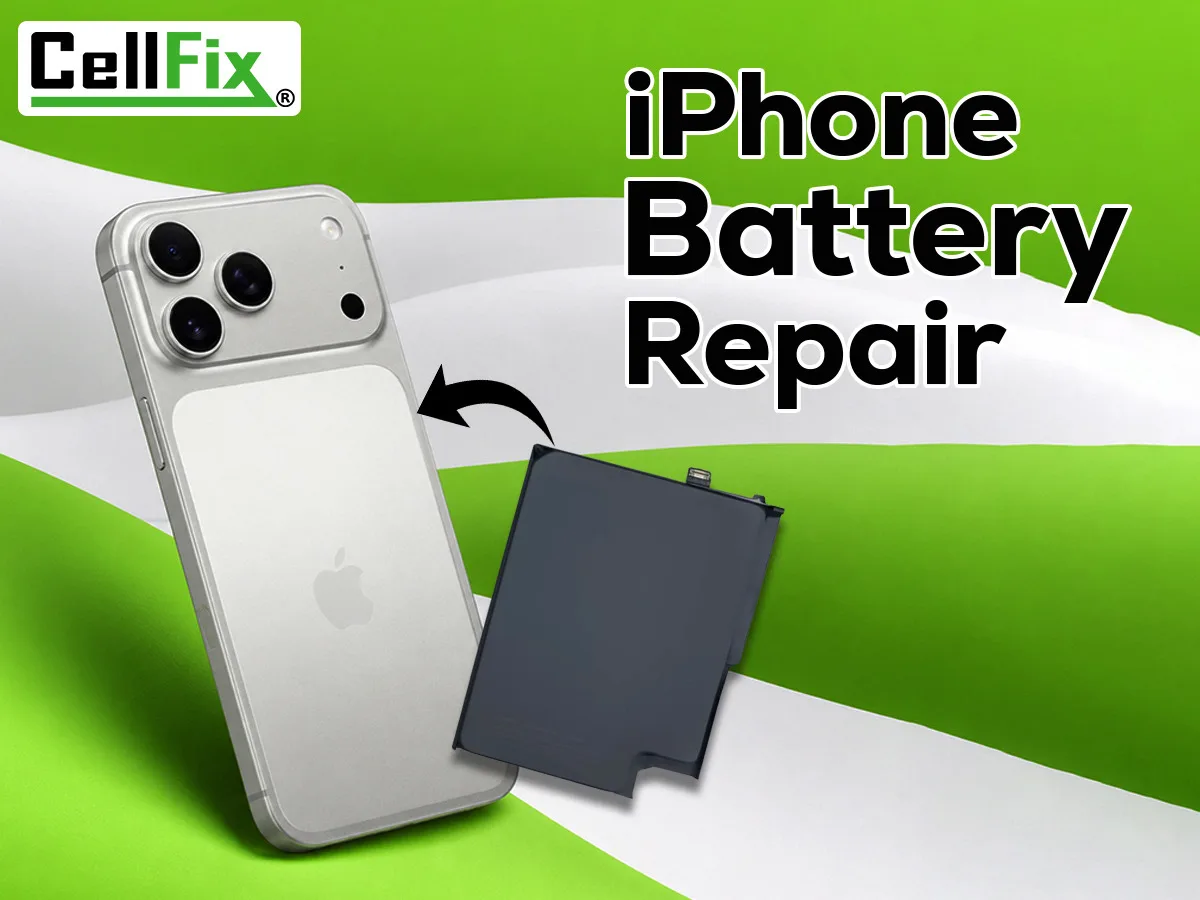
Every lithium battery loses capacity with age and charge cycles. An iPhone battery that was fine two years ago can turn into one that barely gets you to lunch. The good news: a worn battery is one of the cheapest, fastest repairs there is. Here's how to know it's time.
1. It dies before it hits 0%
The phone shows 20% or 30% and then shuts off. That gap between what the meter says and what the battery can actually deliver is the classic sign of a battery that can no longer hold a steady voltage under load.
2. It drains fast, even on standby
If a full charge in the morning is half gone by lunch with normal use, or the phone loses noticeable charge overnight while idle, capacity is the usual culprit. Check Settings for apps eating power first; if nothing stands out, it's the battery.
3. Battery Health is under 80%
On iPhone, go to Settings → Battery → Battery Health & Charging. Apple considers a battery consumed once it drops below 80% of its original capacity. You may also see a message that the battery has significantly degraded, or that Peak Performance Capability has been applied.
4. The phone feels slower than it used to
iOS deliberately throttles performance on a degraded battery to prevent unexpected shutdowns. If apps open more slowly, scrolling stutters, and the camera hesitates, a new battery often makes the phone feel new again.
5. The screen is lifting or the back is bulging
A swollen battery pushes the screen up from the frame or makes the case bulge. Stop using the phone and bring it in — a swelling battery should be replaced promptly, not charged and hoped for.
What a replacement involves
A battery swap on most iPhones takes about 30 minutes while you wait at either CellFix location. Batteries we install carry a 90-day warranty. If you're not sure whether it's the battery or something else, we test it first and tell you straight.
Related service: iPhone Repair In Tampa