Nintendo Switch Repair: Joy-Con Drift, Cracked Screens & Charging Problems
The Switch has three famous failure points. All three are fixable.
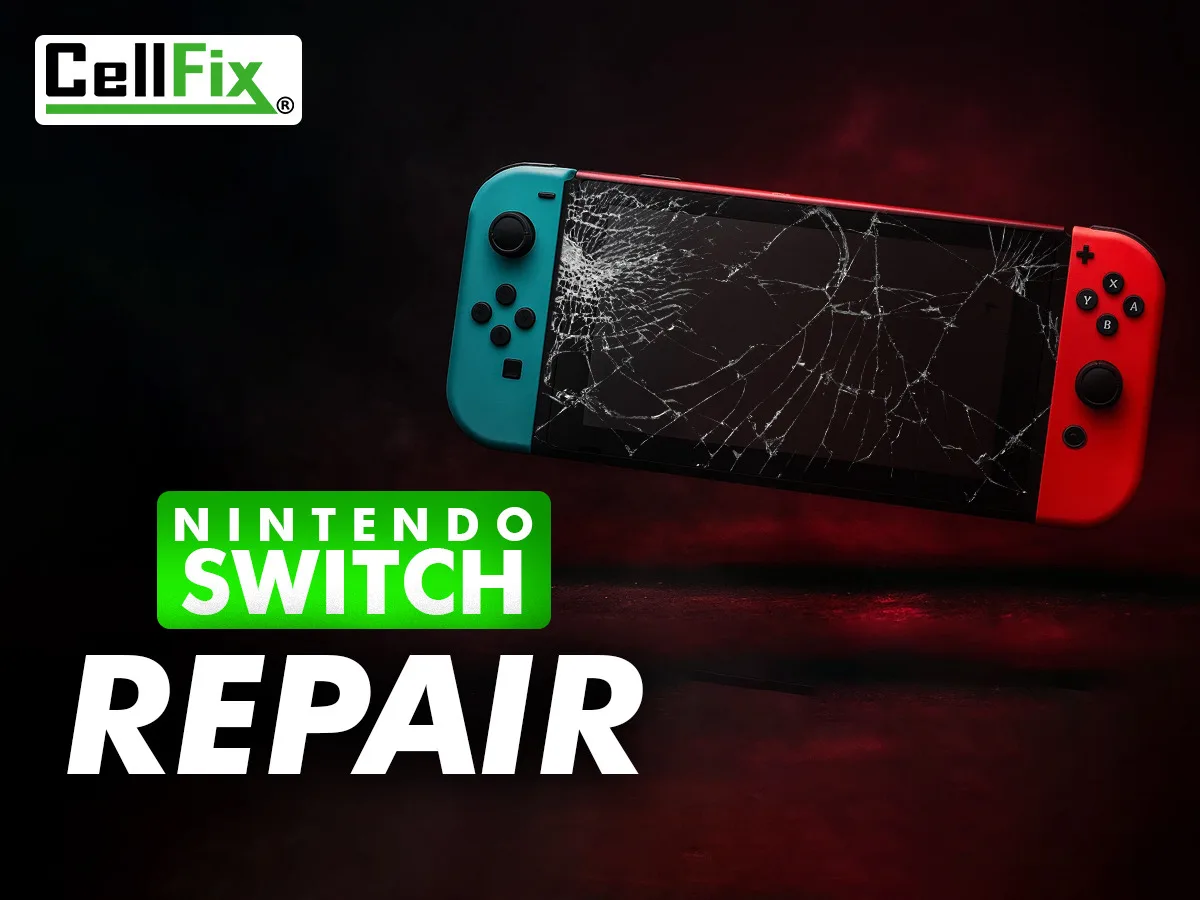
The Nintendo Switch is a great console that gets carried everywhere, dropped often and charged constantly — so certain parts wear out in predictable ways. Here are the three problems we see most, what's really going on inside, and what the fix looks like.
1. Joy-Con drift
Your character walks by itself, the camera slowly pans, or the menu cursor creeps with nobody touching the stick. That's drift, and it comes from the analog stick's internal contacts wearing down or getting contaminated. Before bringing it in: go to System Settings → Controllers and Sensors → Calibrate Control Sticks and recalibrate. If it comes back within days, the stick module itself needs replacing. That's a Joy-Con repair, not a console repair, and both sticks can be done at once. Sticky or unresponsive buttons on the Joy-Con are handled the same way.
2. Cracked, flickering or black screen
A cracked Switch screen is usually just the top glass — the display underneath often still works. Lines, flickering, or a screen that stays black while the console is clearly on (you can hear it, or it shows on the TV through the dock) means the LCD is damaged. Both are replaced on the bench. This applies to the original Switch, Switch Lite and OLED model; the OLED display is a different part and we'll confirm which you have.
3. Won't charge, won't turn on, or the dock doesn't work
The Switch's USB-C port takes a beating from the dock and from cables at odd angles. Symptoms: it only charges at a certain angle, charges from the cable but not the dock, or won't charge at all and eventually dies. Sometimes the port is simply full of pocket lint — worth checking with a flashlight first. If the port is loose or damaged it needs to be replaced on the board, which is precision work. A Switch that's completely dead can also be a battery or power-management issue; we diagnose before quoting so you're not paying for the wrong part.
How Switch repair works at CellFix
Bring the console (and the Joy-Cons, if that's the problem) to either Tampa store — 1505 E Fowler Ave near USF or 4810 E Busch Blvd. Console repairs generally take 24–48 hours because they need bench time and sometimes a part order, and every repair carries a 30-day warranty. We also repair PS4, PS5 and Xbox — HDMI ports, power issues and overheating — so if the Switch isn't the only thing down, bring it all.
Related service: PS5 & Console Repair In Tampa